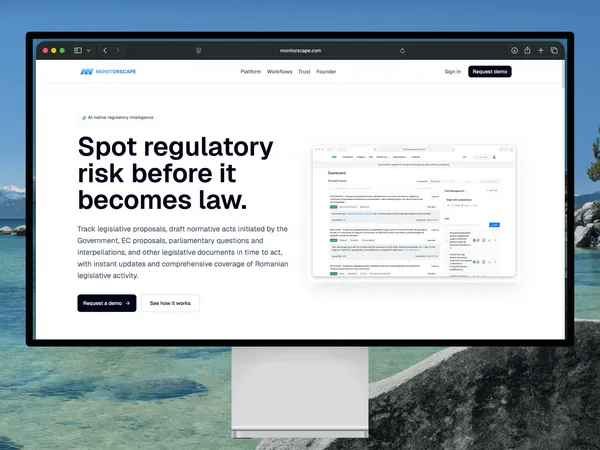
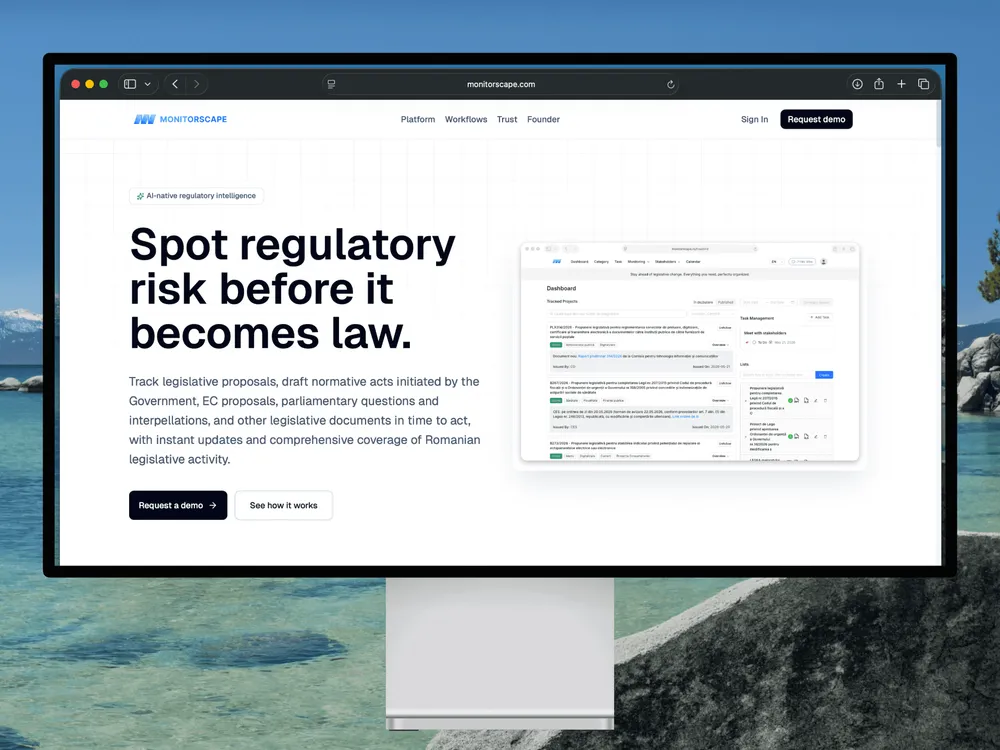
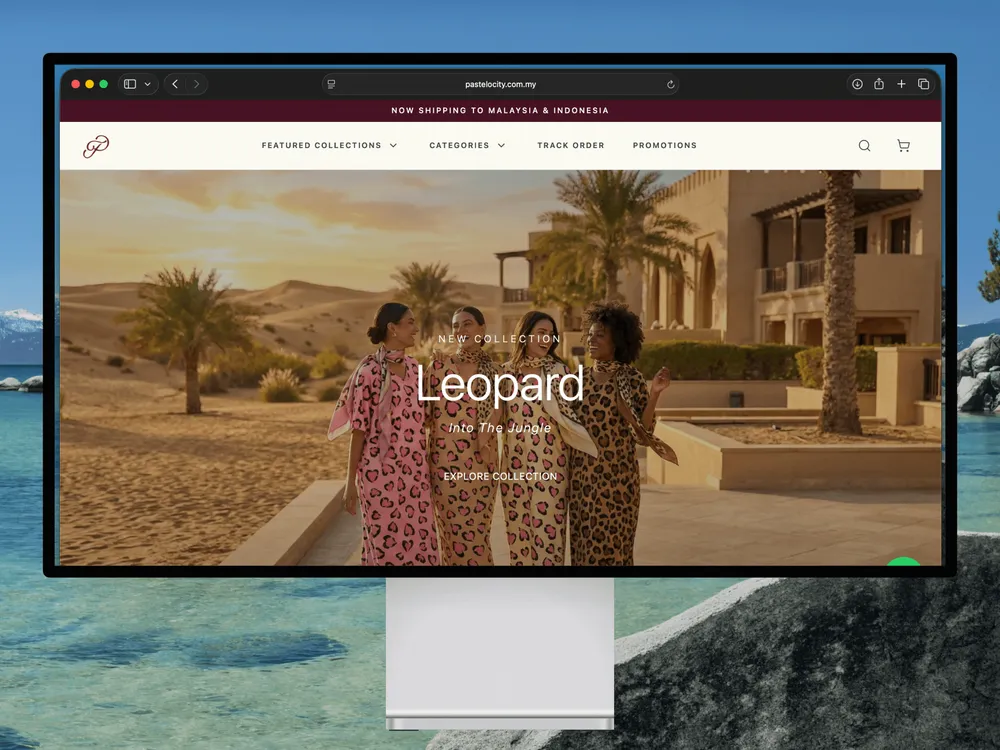
AI features depend on the systems around them. Monitorscape documents AI-assisted analysis; Pastelocity demonstrates the integration work behind connected business operations.
Monitorscape
Analysis grounded in source material.
AI-assisted classification · Summarisation · Data pipelines
Classification and summarisation downstream of document processing, validation and transformation, with traceable source material for analysts to review.
Application integration · Backend services · Business workflows
Customer, order, payment, receipt and administrative workflows brought into a connected business system. This case demonstrates the application integration side of the work.
See the weeks, the review points and what each stage produces. Orange and navy show Axelyn’s work; grey shows your part.
Illustrative planning schedules for one bounded task. Data readiness, task feasibility, application access and review availability determine the scope and delivery dates agreed in the proposal. Prototype results guide the next step; they do not guarantee suitability for production.
Workflow prototype Example 2-week plan
One AI-assisted task, representative samples and a reviewed feasibility decision
Scroll across the schedule, then select a stage to see its deliverables.
Example 2-week plan. Planning example for one ai-assisted task, representative samples and a reviewed feasibility decision.
Workstream
Week 1
Week 2
Your partTask context, permitted samples and review
Describe the current task, supply authorised representative samples and identify the person who can judge a useful result.
Review outcomes
Permitted sample set
Task owner and success criteria
Your part · Week 2
Results review
Review useful outputs, errors and uncertain cases before deciding whether integration is justified.
Review outcomes
Reviewed examples and limitations
Proceed, revise or stop decision
Scope & evidence · Week 1
Task boundary
Define one task, one input format, the expected output structure and the examples used to assess the result. Identify which decisions remain with a person.
What you receive
Input and output contract
Evaluation and review plan
Prototype · Weeks 1–2
Prototype & checks
Build a reviewable prototype using one model provider, with constrained outputs, basic validation and visible failure states.
What you receive
Working experimental prototype
Validation and failure examples
Evaluate & hand over · Week 2
Sample evaluation
Evaluate representative samples against agreed criteria, recording mistakes, uncertain cases and observed usage. Sample results do not establish universal accuracy.
What you receive
Evaluation record
Usage observations and known limits
Evaluate & hand over · Week 2
Handover
Hand over prototype source, setup instructions and findings. Production integration and operational support require their own scope.
What you receive
Prototype source and setup notes
Integration recommendation
Workflow integration Example 4-week plan
One feasible AI-assisted task connected to an existing application, with review and failure handling
Scroll across the schedule, then select a stage to see its deliverables.
Example 4-week plan. Planning example for one feasible ai-assisted task connected to an existing application, with review and failure handling.
Confirm the task, permitted data, existing application and authorised access. Name the output reviewer and operational owner.
Review outcomes
Data and access responsibilities
Agreed scope and acceptance criteria
Your part · Week 2
Output review
Review representative outputs and error cases. Confirm whether the task is suitable before extending it into the application.
Review outcomes
Reviewed evaluation results
Confirmed review rules
Your part · Week 4
Acceptance
Review the end-to-end workflow, remaining limitations and operational handover against the agreed acceptance criteria.
Review outcomes
Acceptance review
Named operational ownership
Review & plan · Week 1
Workflow plan
Review task feasibility and define one input source, one model provider and one application connection. Agree data handling, review steps and usage limits.
What you receive
Workflow and integration plan
Data-handling and usage decisions
Review & plan · Weeks 1–2
Baseline evaluation
Use representative samples to check the approach, record errors and agree acceptance criteria before release. If the task is unsuitable, review the findings and revise the plan with the client.
What you receive
Baseline evaluation record
Known failure cases and acceptance checks
Implementation · Weeks 2–3
Connected workflow
Connect the bounded task to the agreed application, validating outputs and keeping consequential actions behind explicit human approval.
What you receive
One application connection
Validated outputs and review path
Implementation · Week 3
Failure & usage
Add visible failure handling, bounded retry behaviour and usage records. Define request or token limits appropriate to the integration.
What you receive
Failure and retry handling
Usage records and configured limits
Verify & hand over · Week 4
Workflow checks
Check the agreed samples and failure paths in an approved environment, including invalid outputs, provider errors and the approval boundary.
What you receive
Verification record
Recorded limitations and follow-up items
Verify & hand over · Week 4
Handover
Hand over source, configuration, evaluation samples and run instructions. Record who owns model changes, usage bills and ongoing checks.
What you receive
Source and operational notes
Evaluation and support responsibilities
What the work covers
From a repetitive task to a reviewable workflow.
Useful for teams repeatedly reading documents, sorting incoming information or preparing summaries. Agree one task and a way to judge its outputs before implementation begins.
A defined task & workflow
Map the current process, expected inputs and output format. Identify where a model helps, where normal code is sufficient and who approves the result.
A reviewable prototype
Try extraction, classification or summarisation on representative samples, with visible results, errors and limitations before committing to wider integration.
Source context & traceability
Keep source references alongside derived outputs where applicable, so a reviewer can inspect the material behind a summary or extracted field.
Structured output & validation
Define required fields and allowed values. Reject or flag invalid results instead of silently accepting whatever the model returns.
A human review boundary
Make uncertain or incomplete work visible. Keep consequential actions behind explicit approval, with a route to correction or manual completion.
Integration & handover
The integration option connects one agreed application, records usage and handles failures. Both options include source, setup guidance and known limitations.
Pricing
Test the task. Connect what works.
Two defined ways to start. Explore feasibility first, or integrate a task whose inputs, review process and acceptance criteria can be agreed.
Approximate conversions, rounded to whole units. Frankfurter exchange rates dated . Final fees and billing currency are confirmed in your quotation.
Evaluate one focused AI task
Workflow prototype
A working experimental prototype to assess whether AI is useful for a specific document or information-processing task.
✓One task, one input format and one model provider
✓An agreed representative sample set and output structure
✓Prototype with basic validation and reviewable results
✓Sample evaluation, usage observations and known limits
✓Prototype source, setup notes and integration recommendation
The prototype is for evaluation. Production deployment, application integration, custom model training and extensive data preparation are outside this starting scope. A useful prototype is not a production-readiness claim.
Bring one task into an existing system
Workflow integration
Implement a feasible AI-assisted task inside an existing application, with defined checks, a human review path and operational ownership.
✓One task, one input source and one model provider
✓One agreed connection to an existing application
✓Representative evaluation and output validation
✓Human review, failure handling and bounded retries
✓Usage records, configured limits and release checks
✓Source, configuration and operational handover
The existing application must support the agreed connection. A new application or review dashboard, extensive document preparation, large knowledge bases, model training and additional integrations need separate scope. Feasibility is reviewed before release.
Indicative starting prices apply to eligible, narrowly defined engagements. A proposal confirms data access, sample volume, integration readiness, acceptance criteria, final fees and delivery dates. Model/API usage, hosting, storage, subscriptions and ongoing maintenance are separate costs. A prototype is a separate engagement; any reuse and remaining integration work are agreed in a subsequent proposal. Final billing currency is agreed in the quotation.
Before the workflow is handed over
Check more than the happy path.
The agreed checks cover model outputs, application behaviour and the people responsible for acting on the result.
Representative evaluation
Check an agreed set of useful, difficult and incomplete inputs. Record observed errors and limits; a sample score does not establish universal accuracy.
Invalid & uncertain outputs
Exercise missing fields, unsupported values and invalid responses, with a clear route to review or manual completion.
Data & access boundaries
Agree permitted data, provider settings, retention and credential ownership. Keep sensitive payloads out of routine usage logs.
Instructions & permissions
Treat source content as untrusted input. Check the agreed instruction and approval boundaries, and keep model output from directly authorising consequential actions.
Usage & provider failures
For integrated work, check recorded usage, configured limits, timeouts and bounded retries. Record who monitors costs and responds to service failures.
Ongoing ownership
Record the selected model and prompt configuration, evaluation examples, known limits and who reviews changes when data or model behaviour shifts.
Before we start
Questions about applied AI workflows.
Work directly with Amin, the engineer behind Axelyn, to decide where AI is useful and how the surrounding system should behave.
What kinds of task are a suitable starting point?+
A repeatable task with accessible source material and an output someone can review: extracting agreed fields from documents, classifying incoming information or preparing source-linked summaries. We start with one task, representative samples and explicit success criteria. If deterministic code or an existing tool fits better, that informs the recommendation.
What is the difference between a prototype and an integrated workflow?+
The prototype tests one task and records whether the approach is useful on representative samples. It is an experimental implementation, with source and findings, rather than a production release. Workflow integration connects a feasible task to an existing application and adds the agreed review path, failure handling, usage records and release checks. A new application or custom review dashboard is scoped separately.
How much does it cost, and how long does it take?+
A workflow prototype starts from RM3,500 per project and workflow integration from RM7,500 per project. The planning examples show two and four weeks respectively. These are indicative starting prices for one bounded task, with final fees and dates agreed after reviewing data, feasibility and integration readiness. A prototype and integration are separate engagements; any reuse is agreed in the follow-on proposal. MYR is the base price; other displayed currencies are approximate conversions, with billing currency agreed in the quotation.
Can AI make mistakes or take actions on its own?+
Models can produce plausible but incorrect results. Structured validation and evaluation catch some errors, but cannot prove that every output is correct. We agree which results require review and keep consequential actions behind explicit human approval. The scope defines permitted inputs, outputs and operations, with failure and manual-completion paths appropriate to the task.
What should we share, and where does our data go?+
For an initial enquiry, share the task and names of the tools involved. Leave out credentials, confidential documents and personal records. Before working with samples, we agree permission to use the data, any redaction, the model provider and its data-handling settings, storage, retention and access responsibilities. The starting offers do not include self-hosted model infrastructure or a compliance certification.
Are model usage and hosting included in the project price?+
Model/API usage, hosting, storage and third-party subscriptions are separate from the engineering fee. We agree the provider, account owner and appropriate request or token limits during scoping. Integrated workflows include usage records and configured limits; estimates are not invoices or a guarantee of a fixed monthly usage bill.
What happens after handover?+
You can operate the workflow yourself or discuss optional Application Maintenance from RM500 per month for a stable application and one environment, within an agreed allocation. Hosting and model/API usage remain separate. New prompts, model migrations, expanded tasks and evaluation refreshes need explicit scope; scheduled maintenance does not include continuous human monitoring or on-call incident response. Support responsibilities are recorded in a separate agreement.